Have you ever wondered how typing a website address instantly takes you to a webpage with content, images, or files? That’s the power of web hosting.
If you're new to this, hosting a website might sound complicated—but it’s actually simple once you understand the basics. Without hosting, your website cannot go live on the internet.
In this guide, you’ll learn:
- What a website is
- What web hosting means
- What you need to host a website
- Step-by-step process to launch your website
What is Web Hosting?
Web hosting is a service that allows you to store your website files on a server and make them accessible online.
Think of it like this:
- Your website = your shop
- Hosting = the land where your shop is built
A good hosting service ensures:
- Fast loading speed
- Maximum uptime (website always online)
- Strong security
- Smooth performance even during high traffic
What is a Website and Why Does It Matter?
A website is your online identity. It helps you:
- Showcase your business
- Share your story
- Build trust with customers
- Sell products/services
Whether it’s:
- A simple one-page site
- A blog
- Or an eCommerce store
👉 A website is essential for growth in today’s digital world.
What Do You Need Before Hosting a Website?
Before you go live, make sure you have:
1. Domain Name
Your domain name is your website address (e.g., yoursite.com).
✔ Tips:
- Keep it short and simple
- Avoid numbers & hyphens
- Make it brand-related
2. Web Hosting Plan
A hosting plan stores your website files and keeps your site online.
3. Website Files
These include:
- HTML files
- WordPress setup
- Images & content
4. Optional Add-ons
For better performance:
- SSL Certificate (security)
- Email hosting
- Daily backups
Types of Web Hosting
Choosing the right hosting is important for performance and growth.
🔹 Shared Hosting
- Best for beginners
- Low cost
- Shared resources
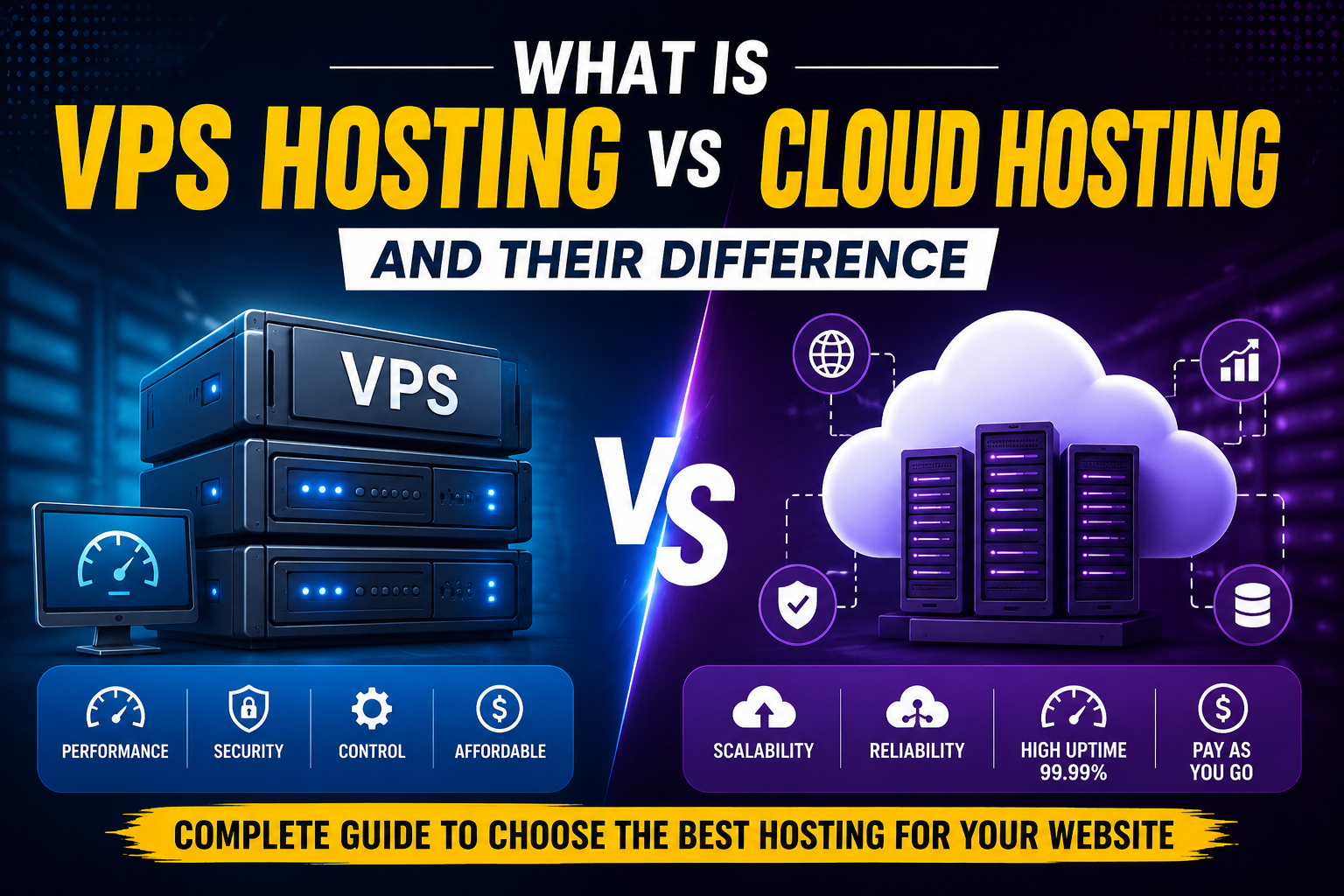
🔹 VPS Hosting
- More control & flexibility
- Dedicated resources
- Ideal for growing websites
🔹 Cloud Hosting
- Highly scalable
- Reliable performance
- Handles high traffic easily
🔹 Dedicated Hosting
- Full server control
- Best for large businesses
- High performance
🔹 WordPress Hosting
- Optimized for WordPress
- Easy setup
- Better speed & security
How to Host a Website (Step-by-Step Guide)
Follow these simple steps:
Step 1: Choose a Hosting Provider
Look for:
- 99.9% uptime
- Fast speed
- 24/7 support
- Easy scalability
Step 2: Select the Right Plan
- Beginner → Shared hosting
- Growing site → VPS hosting
- Large site → Dedicated server
Step 3: Register a Domain Name
Buy a domain or connect an existing one.
Step 4: Connect Domain to Hosting (DNS Setup)
Update nameservers to link domain with hosting.
Step 5: Install Website Platform
Use:
- WordPress (most popular)
- CMS or custom site
👉 Most hosts offer 1-click installation
Step 6: Upload Website Files
You can upload via:
- File Manager (easy)
- FTP (advanced users)
Step 7: Install SSL Certificate
SSL secures your website:
- Shows HTTPS 🔒
- Protects user data
- Improves SEO ranking
Step 8: Test & Launch Website
Before going live:
- Check links
- Test on mobile
- Fix errors
✅ Now your website is LIVE!
How to Host a Website with WordPress
WordPress is the easiest way to build a website.
Benefits:
- Beginner-friendly
- Customizable
- Huge plugin support
Options:
- Normal WordPress Hosting
- Managed WordPress Hosting (fully handled)
Free vs Paid Hosting (Pros & Cons)
✅ Free Hosting Pros:
- No cost
- Good for learning
- Easy setup
❌ Free Hosting Cons:
- Ads on your site
- Limited resources
- Poor performance
- Low security
👉 Recommendation: Choose paid hosting for long-term success.
Common Mistakes to Avoid
Avoid these beginner mistakes:
❌ Choosing cheapest hosting only
❌ Ignoring website security
❌ No backups
❌ Poor customer support
❌ Ignoring uptime
How Much Does It Cost to Host a Website?
Costs depend on your needs:
- Domain: ₹500–₹1500/year
- Shared Hosting: ₹100–₹500/month
- VPS Hosting: ₹500–₹3000/month
- Dedicated Server: ₹5000+/month
Website Security Essentials
After launching, protect your website with:
- SSL certificate
- Firewalls
- Malware scanning
- Regular backups
- Strong passwords
Frequently Asked Questions (FAQs)
❓ Can I host a website for free?
Yes, but it comes with limitations like ads and low performance.
❓ How long does it take to host a website?
- Shared hosting → Less than 1 hour
- VPS/Cloud → Few hours
❓ Which hosting is best for beginners?
👉 Shared hosting is the best option.
Conclusion
Hosting a website may seem difficult at first, but with the right steps, it becomes simple.
From choosing a domain to launching your website, every step plays an important role in your online success.
👉 For long-term growth, always choose a reliable and scalable hosting provider that ensures speed, security, and support.